

Sportzfy Not Working? Fixes That Actually Work
When Sportzfy misbehaves, most people start tapping fixes at random. There is a faster way. Nearly every problem comes down to one of four causes — your connection, the app’s cache, an outdated version, or the stream source itself — and each has a specific fix. This guide is ordered like a diagnosis: find your symptom, start with the cheapest fix, and stop as soon as it works.
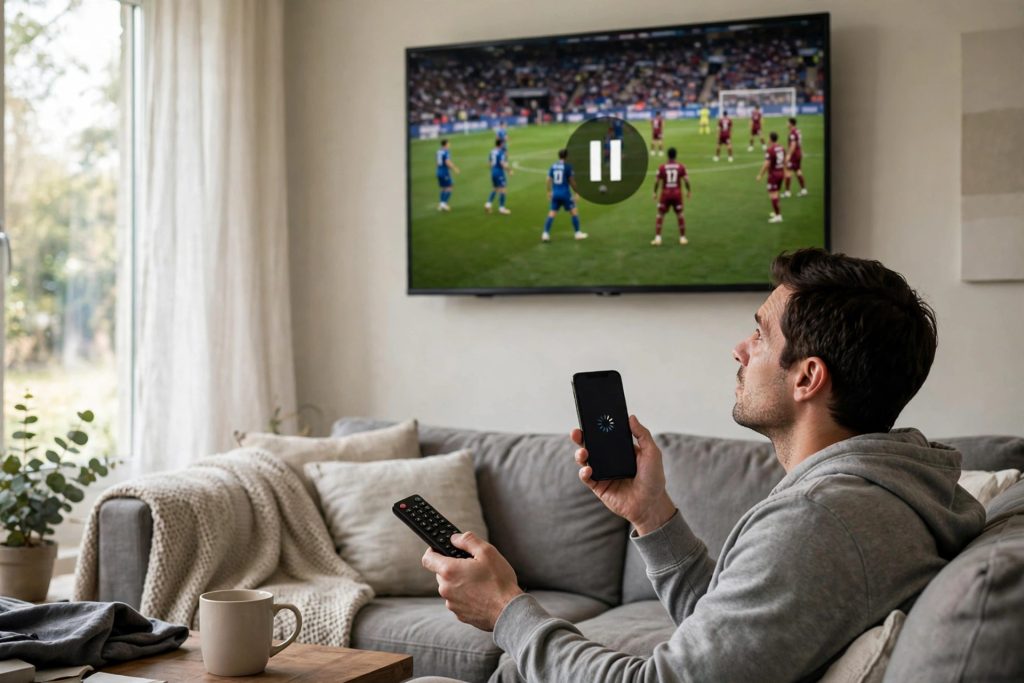
One thing to understand first: Sportzfy does not host streams. It collects links to streams hosted elsewhere and plays them for you. That single fact explains most “Sportzfy is broken” reports — because a dead link looks exactly like a broken app, and it isn’t.
Quick Triage: Match Your Symptom
| Symptom | Most likely cause | Start with |
|---|---|---|
| One event/link won’t play, others work | Dead stream source | Fix 1 |
| Constant buffering | Connection or overloaded source | Fix 2 |
| Black screen with sound (or silent video) | Stream/player glitch | Fix 3 |
| App crashes on opening | Corrupt cache or a bad update | Fix 4 |
| Nothing plays at all | Outdated version or no connection | Fix 6 |
| Worked yesterday, broken after updating | Bad build for your device | Fix 8 |
Fix 1: Try a Different Link First (30 Seconds)
Before changing a single setting, go back and pick a different link or channel for the same event. Because Sportzfy aggregates links from third-party sources, individual links die all the time — especially just before big matches when demand spikes. If the second link plays, nothing was ever wrong with your app. This one check solves more reports than every other fix on this page combined.
Fix 2: Check Your Connection Properly
“My internet works” is not the same as “my internet can hold a live HD stream.” A stable connection around 10 Mbps is a sensible target for HD; below that, drop the stream quality one level in the player and see if the buffering stops — if it does, your connection was the ceiling. Switch between Wi-Fi and mobile data to compare, move closer to the router, and pause other downloads and streams on your network. Restarting the router fixes more stubborn buffering than any app setting.
Fix 3: Black Screen or Audio Out of Sync
Exit the stream and reopen it — that reloads the player. If the picture stays black or the sound drifts out of sync, lower the quality setting, then reopen again. Audio sync problems in particular are usually the source stream, not your device, so switching to another link for the same event (Fix 1) is the real cure. On TVs and emulators, a full app restart (Fix 4) clears it more reliably than reopening the stream.
Fix 4: Force-Stop and Clear the Cache
The classic, and it works because a corrupt cache is behind most crashes and freezes:
- Go to Settings → Apps → Sportzfy.
- Tap Force stop, then open Storage & cache.
- Tap Clear cache. Do not tap Clear data yet.
- Reopen the app.
Cache and data are different things: the cache is temporary files the app rebuilds automatically, so clearing it costs you nothing. Clear data resets the app to a fresh install — keep it as a later resort.
Fix 5: Restart Your Device
Boring, quick, and genuinely effective for freezes after long uptimes — especially on Android TV boxes and Firesticks that sleep instead of shutting down. A full power-off restart clears memory states that force-stopping the app cannot.
Fix 6: Update to the Latest Version
Stream sources change addresses constantly, and newer builds of the app carry updated source lists. An old Sportzfy gradually loses working links until “nothing plays” — and no amount of cache-clearing fixes it. Download the current version (v12.0) from our homepage and install it over your existing copy; our install guide covers the update process step by step.
Fix 7: Check Storage and Android Version
Phones that are nearly full behave strangely under streaming load. Keep some free space available. Also confirm your device runs Android 5.0 or higher — below that, the app is outside its supported range and crashes are expected, not fixable. On very old devices, an older build of the app can be the practical answer; see our Sportzfy old versions guide.
Fix 8: Clean Reinstall (The Last Resort That Works)
If the app broke right after an update, or nothing above helped: uninstall Sportzfy completely, restart the phone, then install the latest APK fresh from our homepage. A clean reinstall removes every corrupted file and setting in one move. Because Sportzfy has no account, there is nothing to lose — no logins, no libraries, nothing stored in the cloud.
Fix 9: When It’s Not You — Big-Match Overload
Here is the honest ending most troubleshooting pages skip. During a major final, the third-party sources behind Sportzfy can be overwhelmed or taken down, and every link dies for every viewer. No setting on your phone fixes that. Your options are to wait and retry, or to have a backup ready — which is why we put together the best Sportzfy alternatives, including official services that do not have this problem.
Frequently Asked Questions
Why does Sportzfy buffer only during big matches?
Because the stream sources, not the app, carry the load. Thousands of viewers hit the same links at kick-off. A different link, a lower quality setting, or a backup app are the realistic answers.
Why did Sportzfy stop working after I updated it?
Occasionally a new build has a bug on specific devices. Clear the app data (Fix 4’s stronger option), and if it still fails, reinstall — or roll back one version using our old versions guide.
Does clearing the cache delete anything important?
No. The cache is temporary data the app recreates. You will not lose the app, and since Sportzfy has no accounts, there is nothing personal stored anyway.
Sportzfy works on my phone but not my TV — why?
TVs and sticks are usually short on free storage and rarely restart. Apply the same order: clear cache, restart the device fully, update the app. Emulator users can also check our PC and Mac guide for emulator-specific notes.
Should I disable Play Protect to make Sportzfy work?
No. Play Protect is not what stops streams from playing, and switching off a device-wide protection to fix a streaming issue trades a small problem for a bigger one. See what we checked about Sportzfy’s safety for the fuller picture.


